

FAQ:
FAQ SSH Connection Error
When accessing the robot at 192.168.127.10 or 192.168.128.10 via SSH, the computer terminal sometimes reports an error similar to the following after switching to another robot.
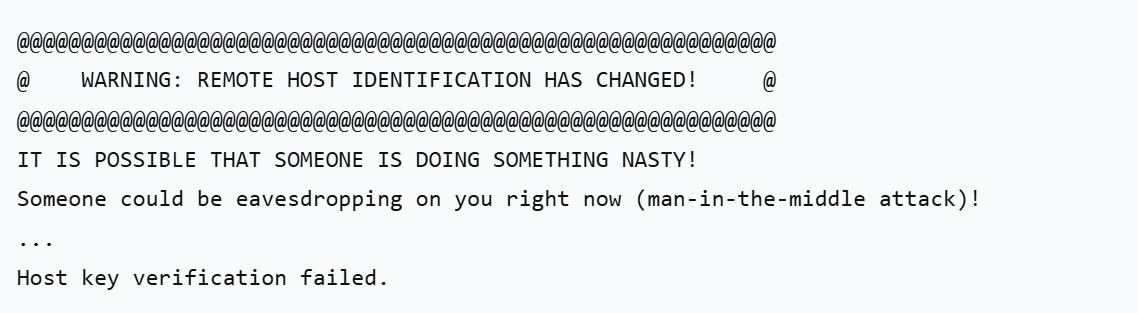
Main cause:
After switching robots, the locally stored robot key needs to be updated. Run the key regeneration command to delete the old key and log in again to generate a new one.
Solution:
shell
# Run the following command to delete the key of the previous robot
ssh-keygen -R [robot IP]

# Example 1:
ssh-keygen -R 192.168.127.10
# Example 2:
ssh-keygen -R 192.168.128.10

# Log in via SSH again
ssh realman@192.168.127.10