

Robot Teaching Pendant:
Accessing the Teaching Pendant The robot's teaching pendant can be accessed either from a Pad or from a local computer. Both access methods are described below.
Pad Side
Prepare an Android Pad.
Install the teaching pendant APP
Connect to Wi-Fi with Internet access at the customer site or event venue;
Enter the latest version download URL of the teaching pendant APP (http://47.100.173.23/gln_teleop/magellan-latest.apk) in the Pad browser address bar and press Enter. When the prompt shown below appears:
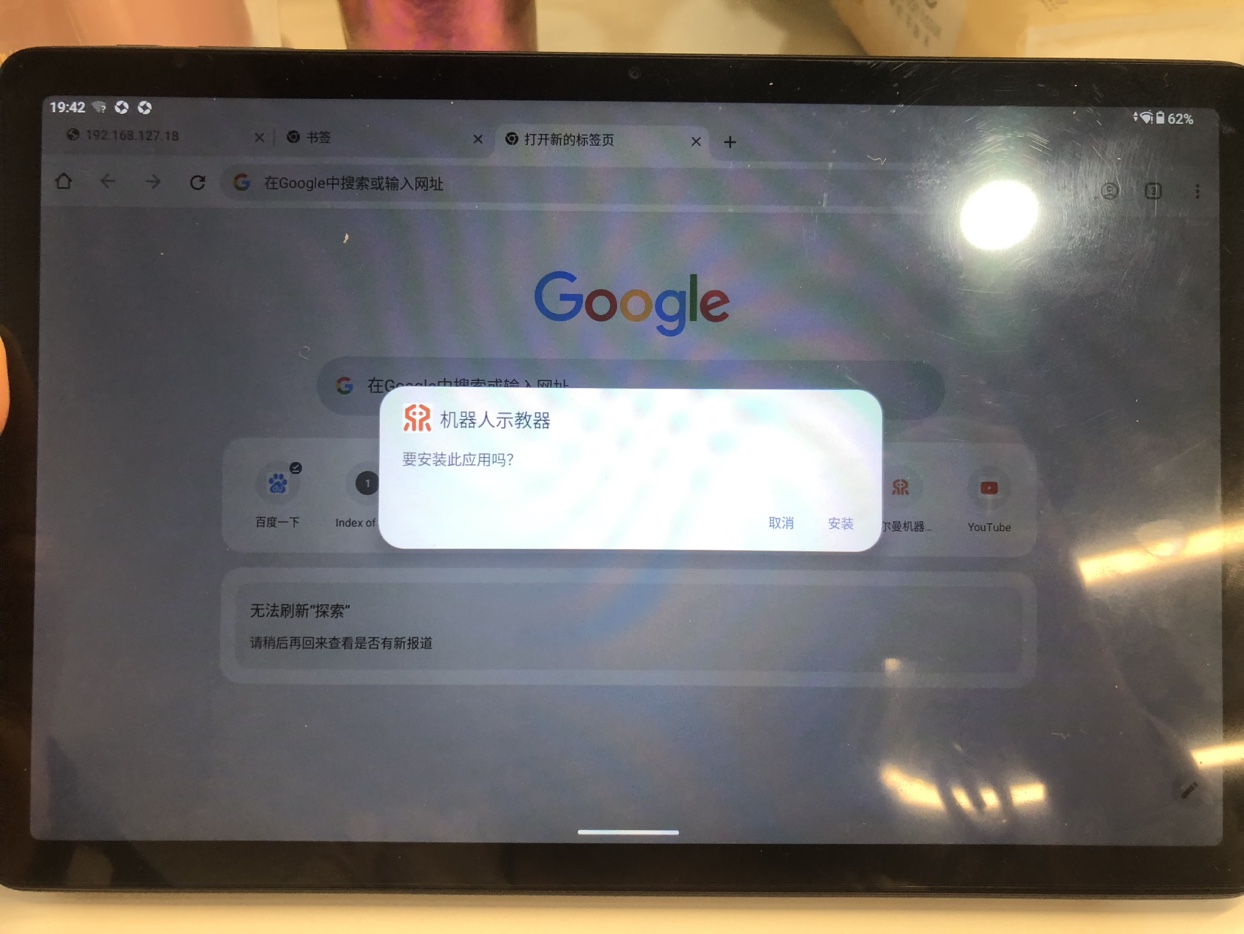
Click the [One-time Installation Authorization] button to complete the installation of the Android teaching pendant APP (as shown below):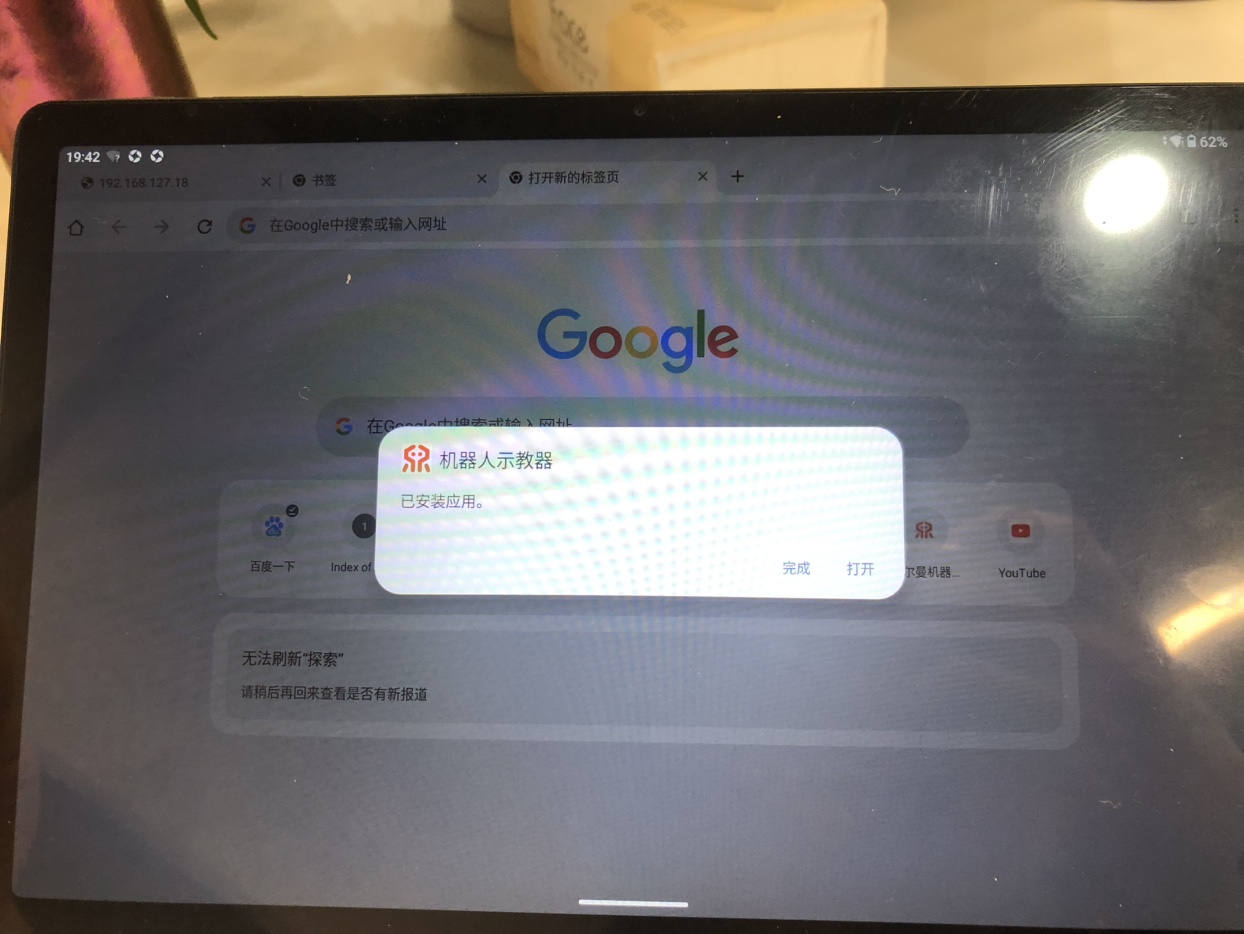
- After installation, tap the "Robot Teaching Pendant" icon on the Pad desktop to open the teaching pendant.
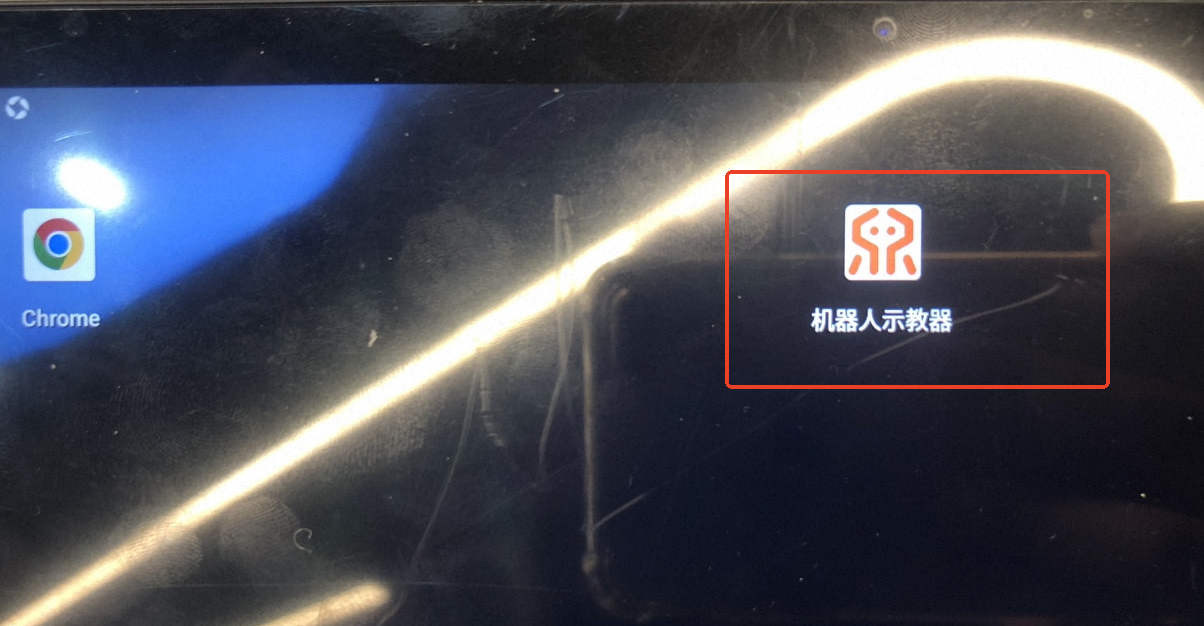
Connect the teaching pendant APP to the robot
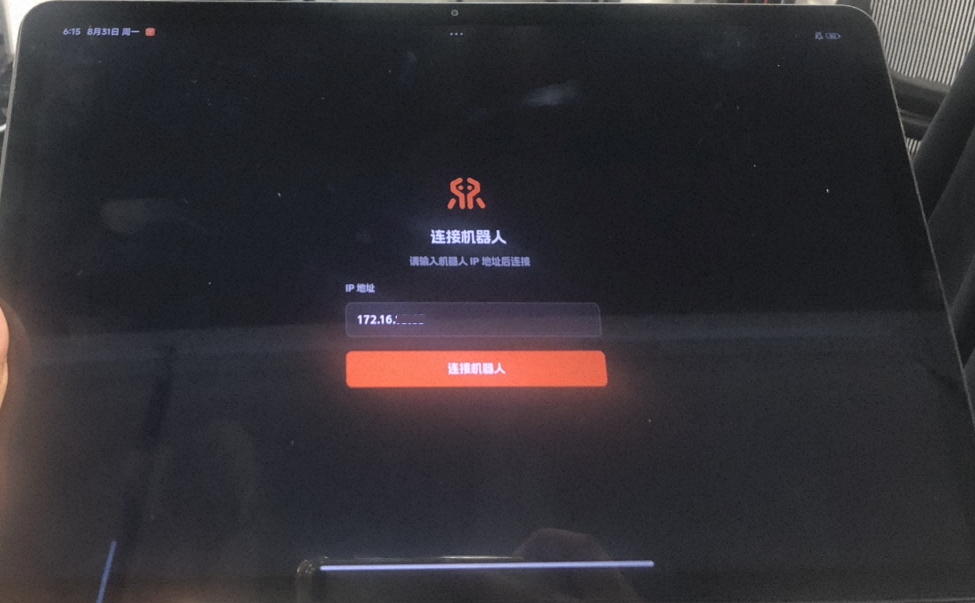
On the initial interface of the teaching pendant, enter the robot's external IP address and tap [Connect Robot] to log in to the teaching pendant of the corresponding robot.
Local Computer Side
Connect to the teaching pendant via a network cable
Plug one end of the network cable into the chassis LAN port of the robot and the other end into the local computer.
Make sure the local computer is configured with the 128 network segment. For the configuration example, see the local network segment settings in Modifying the Local Network Segment and Rules.
Enter 192.168.128.10 or 192.168.127.10 in the browser; either opens the teaching pendant of the currently connected robot.
Connect to the teaching pendant wirelessly via the external IP
Without a network cable between the robot and the local computer, enter the obtained external IP in the browser to access and operate the teaching pendant.
If the teaching pendant page pops up the "Connect Robot" IP address input box, enter the same IP as in the browser and click the [Connect Robot] button to enter the teaching pendant.