Six-Axis Force Calibration of the Robotic Arm:
Six-Axis Force Calibration Procedure After making sure that there are no obstacles or people within the reachable range of the robot's arms, perform the following operations in the teaching pendant of the left and right arms respectively.
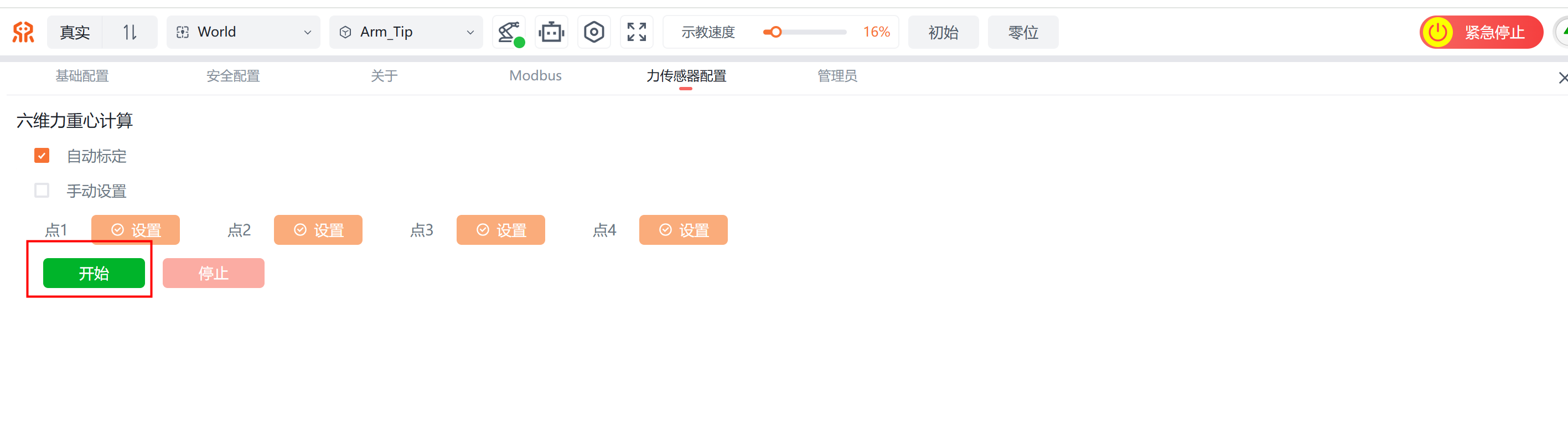
Go to the [Settings] - [Force Sensor Configuration] page of the teaching pendant;
Keep the default Auto Calibration selected and click Start to begin the calibration;
Wait until Calibration succeeded is displayed; the calibration is then complete;
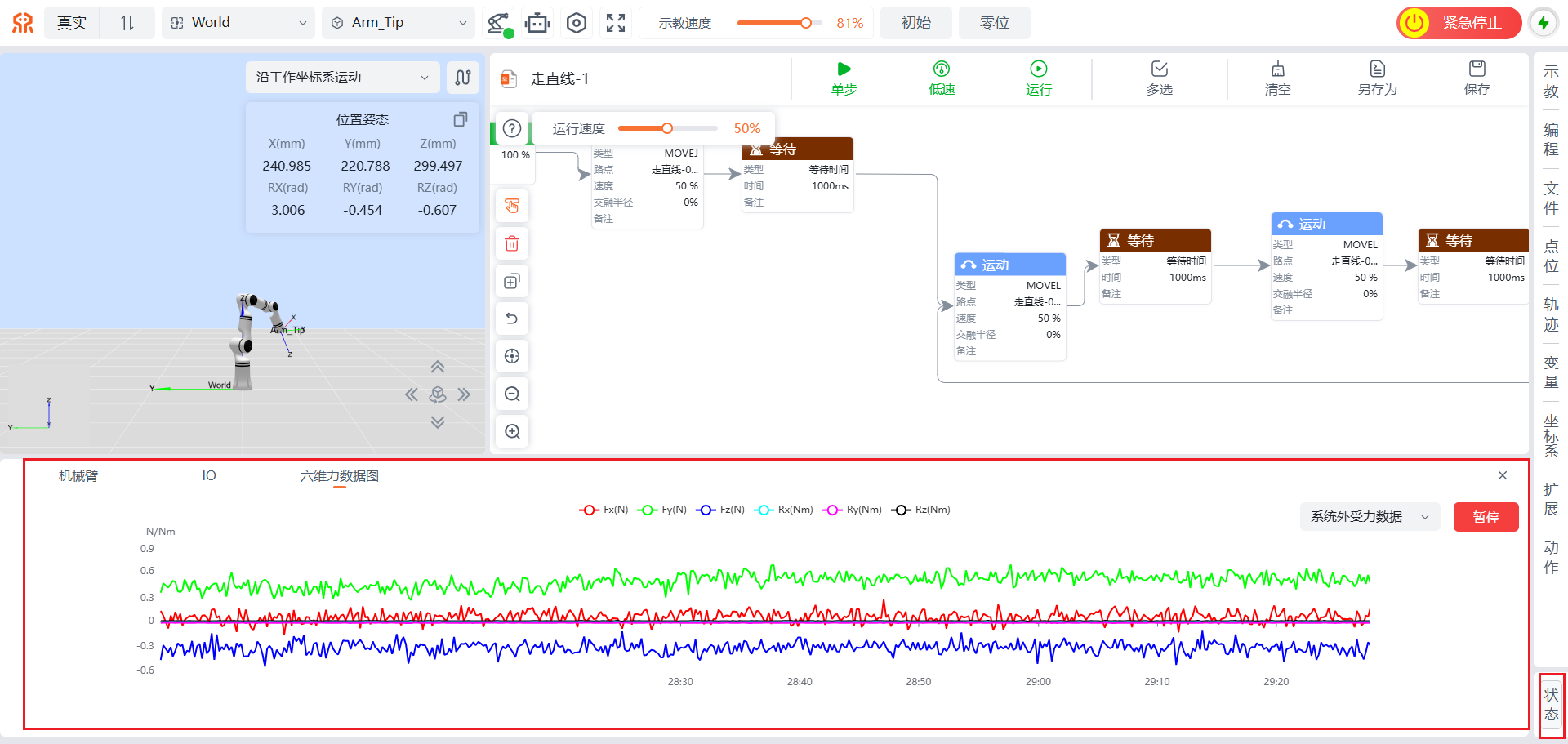
- Go to the home page of the teaching pendant, click [State] at the lower right corner, switch the state tab to "Six-Axis Force Data", and switch the data type on the right to "External Force Data". The sensor is normal if the data fluctuation is within 1 N.